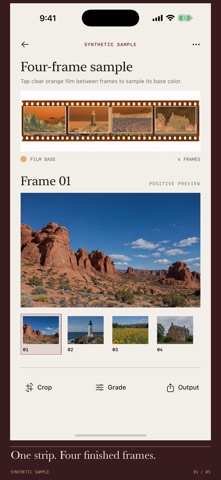
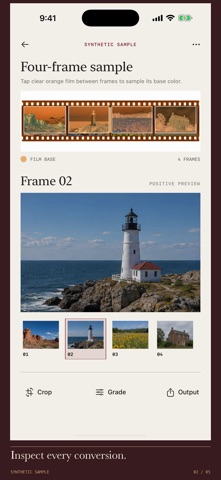
Silverbase is a local workbench for a photographed or scanned color-negative film strip. Import one straight, evenly lit image from Photos or Files. Set one to six frames, adjust the shared top, bottom, side and gap crop, and tap clear orange film to sample its base color. Preview each positive and adjust exposure, contrast and warmth for the whole strip.
Export separate JPEGs at each cropped frame's source pixel resolution, or share a contact proof PDF with numbered frames. The source image, crop settings and grade stay in your local library. A clearly labeled synthetic four-frame sample lets you try the complete conversion and export flow before importing your own image.
Silverbase works best with straight, evenly lit color-negative strips. It does not take camera scans, automatically detect frame borders, correct perspective, process RAW files, or promise calibrated color. Inspect every crop and grade before export. Imports must be iOS-decodable image files under 80 MB and at least 400 × 200 pixels.
No account, subscription, ads, analytics, tracking, cloud sync or developer-server upload. Images and projects remain on device unless you choose to share an export.