SignNow is used by over 6 million people worldwide to sign, send, and manage documents — wherever they are, on any device.
Skip printing, scanning, and waiting. With SignNow, you can get legally binding e-signatures in minutes.
SIGN & SEND DOCUMENTS
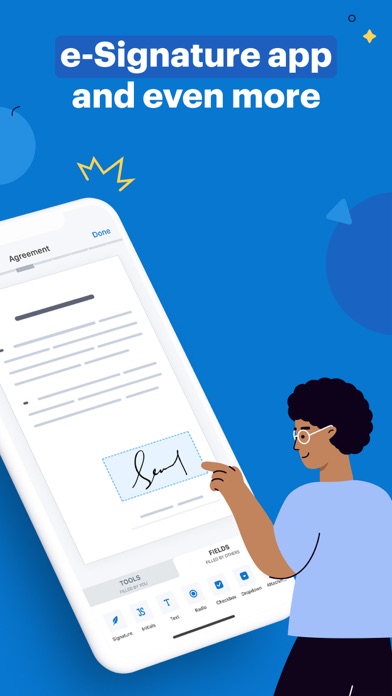
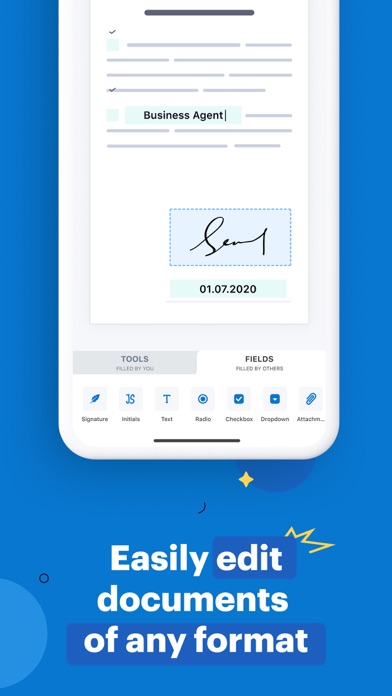
• Sign PDFs, Word files, and other formats in just a few taps
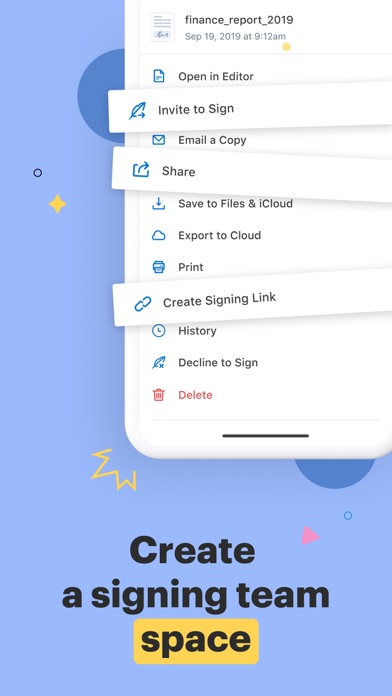
• Send documents to one or more recipients via email or link
• Set the signing order and assign roles
• Get notified in real time when documents are opened or signed
• Collect in-person signatures with Kiosk Mode — ideal for events, front desks, or check-ins
FILL & EDIT DOCUMENTS
• Fill out forms, add text, checkboxes, dates, and stamps
• Convert images (JPEG, PNG, BMP, etc.) into PDFs
• Import files from email, Google Drive, Dropbox, OneDrive, and more
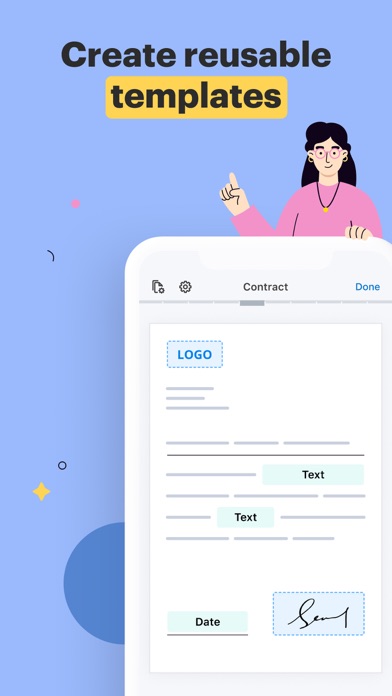
• Create reusable templates for documents you send often
MANAGE YOUR DOCUMENT WORKFLOW
• Collaborate with your team on shared documents
• Track document status and view detailed audit history
• Organize files into folders for quick access
• Store all signed documents securely
SECURITY & COMPLIANCE
• 256-bit encryption for data in transit and at rest
• Legally binding e-signatures compliant with ESIGN, UETA, and eIDAS
• Detailed audit trails with timestamps, IP addresses, and signer info
• Works offline — sign and edit documents without internet, sync when back online
• Supports MobileIron AppConnect for enterprise-grade security
MORE WAYS TO WORK
• Sign in with your Google or Apple account
• Access documents from mobile or web
• Print documents directly from the app
• Use widgets for quick access to key actions
Start with a free 7-day trial — no credit card required.
SUBSCRIPTION INFORMATION
Payment will be charged to your iTunes account upon confirmation. The subscription automatically renews unless auto-renewal is turned off at least 24 hours before the end of the current billing period. Manage your subscription in Account Settings after purchase.
Privacy Policy: https://www.signnow.com/privacy_policy
Terms of Service: https://www.signnow.com/terms